
Table des matières
Selfie search allows participants to find their photos simply by taking a photo of their face, without needing to know their race number.
Please note that users will not be able to upload photos. This requires activating the camera on their phone or computer.
How does it work? #
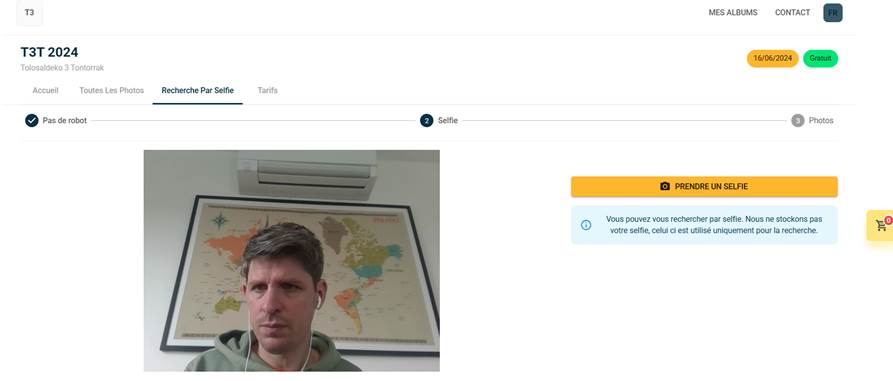
- – The participant accesses the public album.
- – He clicks on the "Selfie" tab.
- – He authorises access to his camera or imports a photo of his face.
- – Sportpxl compares the face with the identifications in the album and displays the corresponding photos.
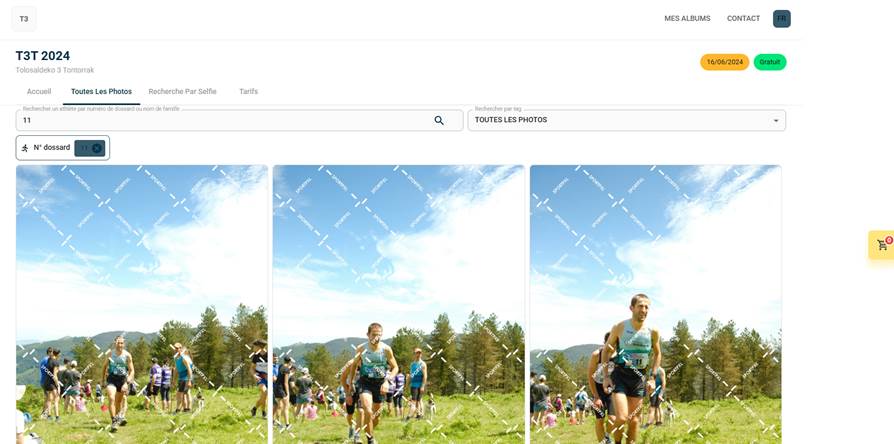
💡 Selfie search requires facial recognition to be enabled on the album. If the album only works with bib number recognition, this tab can be hidden.


