
Table des matières
Change your password #
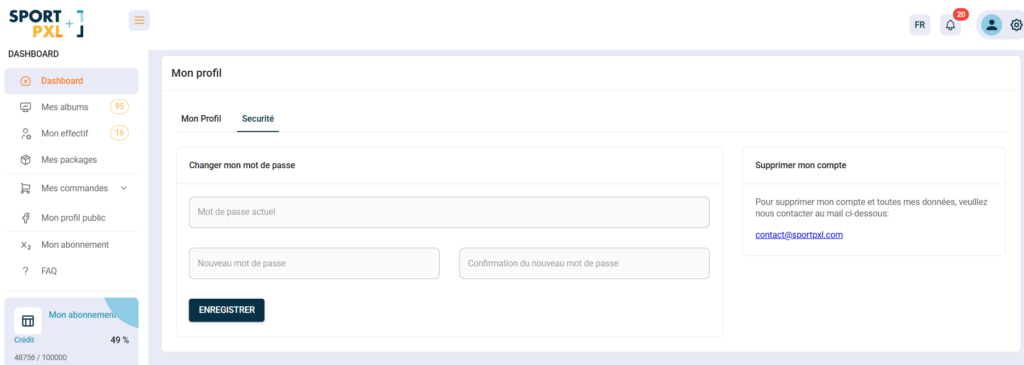
If you are logged in and wish to change your password:
- From the menu at the top right, click on your avatar → 'My profile'.
- Click on the "Security" tab.
- Enter your current password, then your new password and its confirmation.
- Click on "Save".
Forgotten password #
If you have forgotten your password and cannot log in, please visit the reset page:
Enter your email address and follow the instructions received by email to create a new password.
💡 If you do not receive the reset email, please check your spam folder. If the problem persists, contact contact@sportpxl.com.


