Table des matières
Browse through photos #
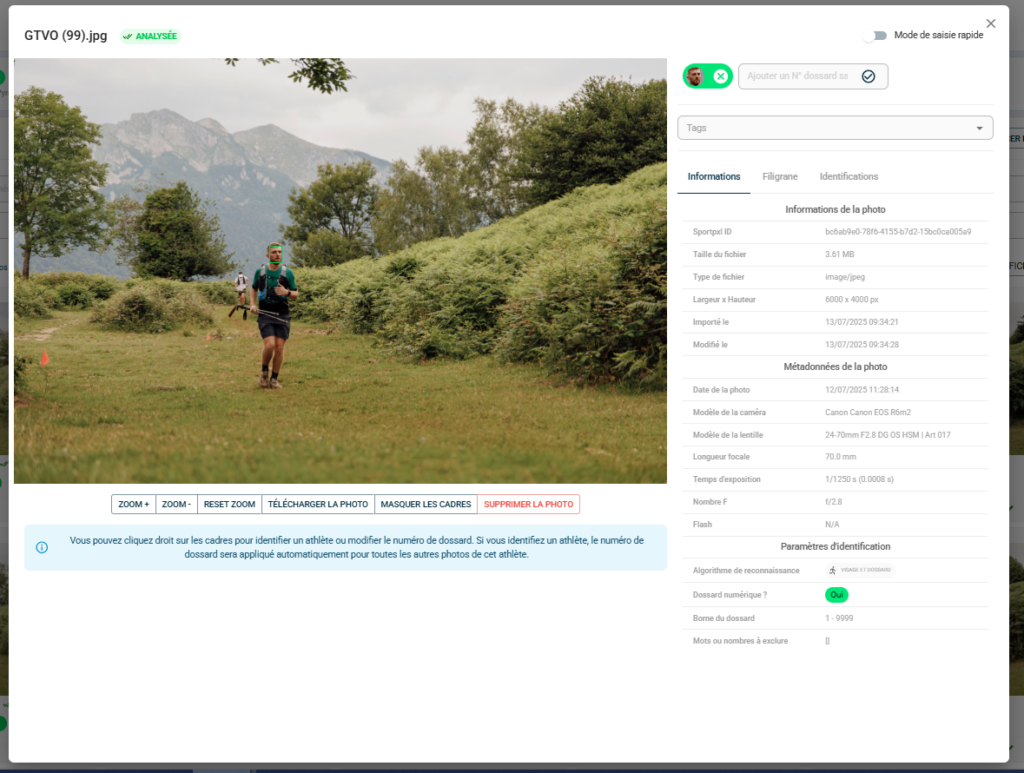
From the photo details page, you can move to the next or previous photo without returning to the gallery:
- Use the left and right arrows on your keyboard to navigate between photos in the gallery display order.
💡 The filters and sorting options active in the gallery apply to keyboard navigation. If you have filtered by tag or number before opening a photo, the arrows will only navigate within that filtered selection.
Zoom in on a photo #
There are two options available for inspecting the details of a photo — particularly useful for checking the legibility of a race number or the sharpness of a face:
- Mouse wheel — scroll up to zoom in, scroll down to zoom out
- Zoom + / Zoom – / Reset zoom buttons — available at the bottom of the photo for click control; the Reset zoom button returns to the overview