
Table des matières
Procedure #
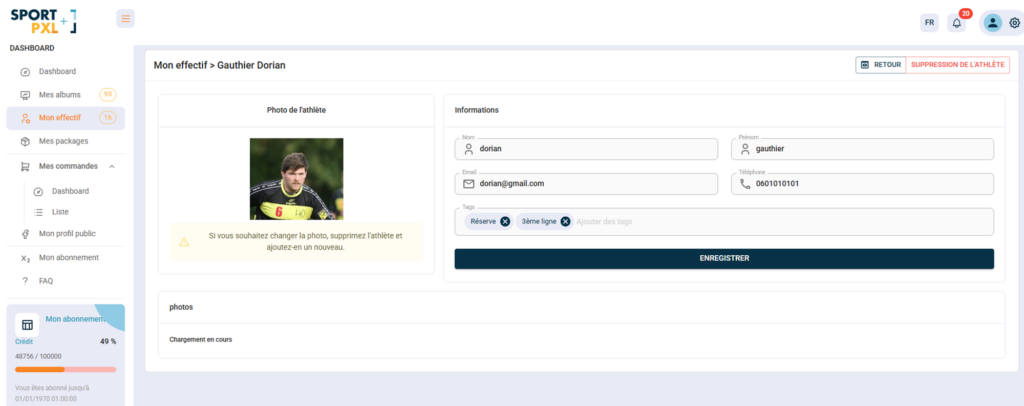
- From "My Team", click on "Add an athlete".
- Upload a reference photo of the athlete
- Fill in the information:
- Surname and first name (mandatory)
- Telephone
- Tags — to associate it with a group or position (e.g. Reserve, First Class, Centre, etc.)
- Click on "Save".
The athlete will immediately appear in your squad and will be available for the Squad algorithm on your next imports.
Best practices for reference photos #
The reference photo is the key element — it determines the quality of facial recognition in your photos:
- Face viewed from the front, well framed
- Clear, well-lit photo
- Face clearly visible — no sunglasses, helmet or head covering
- Recent photograph — update it if the athlete's appearance has changed (beard, hairstyle, etc.).
⚠️ The reference photo cannot be changed after creation. If you wish to change it, delete the athlete and recreate them with the new photo.


