
The athlete pack allows participants to purchase all of their photos at once, automatically identified by their race number or selfie. It is offered as a supplement to the other album packages.
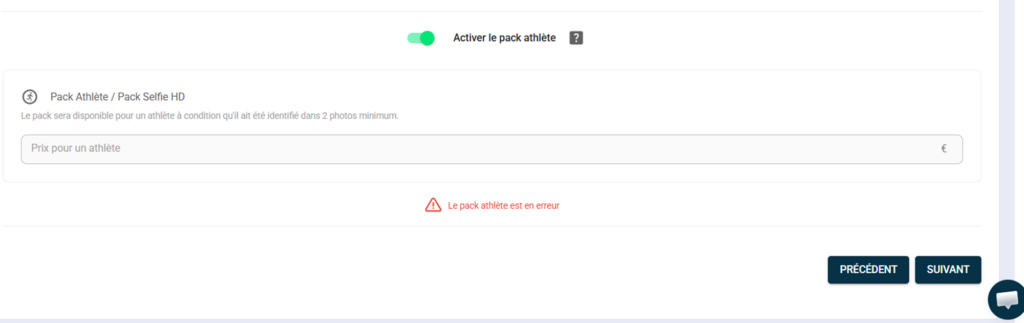
Activate the athlete pack #
- Since setting the prices for your album — step 2 — Prices upon creation, or via "Edit my album" → "Prices"
- At the bottom of the screen, activate the "Activate athlete pack" toggle.
- Enter the price of the package — this is a fixed price set by you, regardless of the number of photos of the athlete.
- Record
How it works for participants #
When a participant accesses their photos via their race number or selfie, the athlete pack is offered to them in addition to the individual packages. By purchasing it, they automatically download all the photos associated with them in the album in a single transaction.
💡 The athlete pack is particularly effective at increasing the average basket size — a participant who has 30 photos will often be willing to pay a flat rate rather than purchasing photos individually. Offer a price that is consistent with the average number of photos per athlete at your events.


