
An album is published automatically as soon as it is created. You can configure the privacy settings for your album when you create it (Open, Closed, Pre-registration or Unindexed) and change them at any time.
Here is how to check your status and make it publicly accessible.
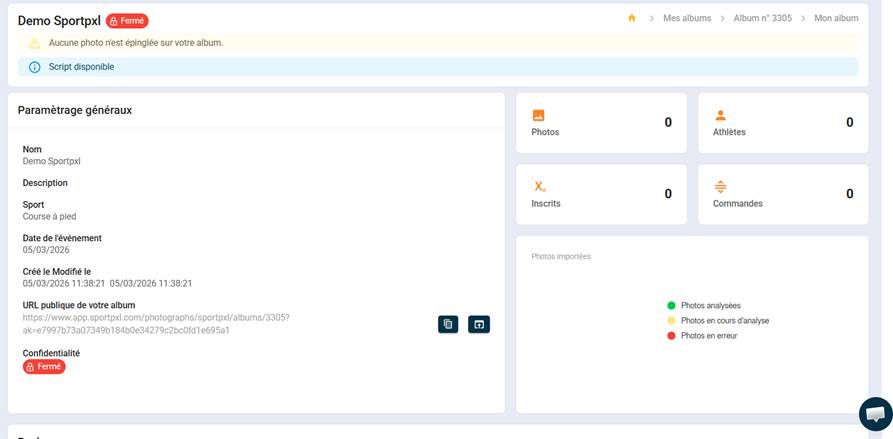
- From "My Albums", locate the relevant album.
- Check that the status shows 'Published'.
- If the album is unpublished, click on the edit icon and change the album's privacy settings.
💡 An unpublished album is no longer accessible to participants, but all its data (photos, identifications, prices) is retained.


